


A simple vote can turn a quiet website into something people actually interact with.
One click. One opinion. Done.
But “voting” can mean very different things in WordPress.
You might want to run a classic poll, add like/dislike buttons, let forum users upvote replies, collect votes on photos, or build something closer to a full contest.

That’s why choosing the right plugin matters.
Some WordPress voting plugins are built for quick audience polls. Others focus on reactions, rankings, community voting, or user-submitted content.
And yes, some do a bit of everything.
I narrowed the list down to the best WordPress voting plugins that cover the strongest use cases without filling the article with near-duplicates.
You’ll find options for polls, likes, forum voting, visual competitions, and more.
Let’s find the one that actually fits your site.
Are you using a plugin for the first time? Then check our tutorial on how to install a WP plugin easily.
This post covers:
- Quick Picks: Best WordPress Voting Plugins
- Best WordPress Voting Plugins
- What To Look For In A WordPress Voting Plugin
- Should You Allow Anonymous Voting?
- How To Prevent Duplicate & Fake Votes
- Can Voting Improve User Engagement?
- Conclusion: Which WordPress Voting Plugin Should You Get?
- FAQs About WordPress Voting Plugins
Quick Picks: Best WordPress Voting Plugins
Not sure which one fits your site? Start here.
- WP ULike – Best Overall Voting Plugin: The most flexible all-round option for likes, dislikes, voting, reactions, analytics, WooCommerce, bbPress, BuddyPress, and custom post types.
- YOP Poll – Best For Traditional Polls: A strong pick for classic one-answer or multiple-choice polls with scheduling, limits, custom fields, and detailed poll controls.
- WP-Polls – Best Lightweight Poll Plugin: Great if you want a simpler, no-fuss polling setup with AJAX voting, widgets, blocks, shortcodes, and scheduled closing dates.
- Poll Maker by AYS – Best For Visual & Versus Polls: Best for more engaging poll formats like image polls, versus polls, anonymous voting, and visually styled audience questions.
- LikeBtn – Best For Like/Dislike Voting: A good fit for blogs, WooCommerce stores, communities, and forums that want simple thumbs-up/down or reaction-style voting.
- bbPress Voting – Best For Forum Upvotes: Ideal for adding Reddit- or Stack Overflow-style voting to bbPress topics and replies.
- Contest Gallery – Best For Photo & Media Voting: The one to choose for photo contests, video entries, audio submissions, and other user-generated content where visitors vote for their favorites.
My shortest recommendation?
Go with WP ULike for general-purpose voting, YOP Poll for classic polls, and Contest Gallery if you’re building a real voting contest.
Best WordPress Voting Plugins
1. WP ULike
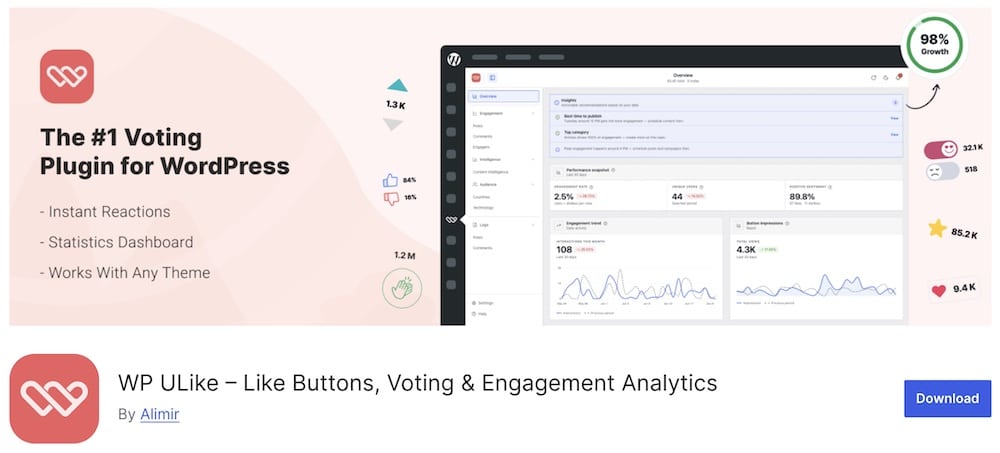
WP ULike is the one I’d start with if you want voting without boxing yourself into one narrow format.
At its simplest, it adds one-click like buttons to posts.
But it can also work across comments, WooCommerce products, BuddyPress activity, and bbPress topics, making it much more flexible than a basic poll plugin.
The built-in analytics are a big plus, too.
You can see vote totals, engagement reports, popular content, activity patterns, and voting logs directly inside WordPress.
No separate analytics tool needed. Nice.
The free version is genuinely usable, with no limits on votes or posts, while Pro adds reactions, star ratings, deeper reports, more button styles, WooCommerce insights, and more advanced display controls.
- Best for: Blogs, stores, forums, and communities that want flexible likes and voting
- Free version includes: Like buttons, unlimited votes, analytics dashboard, vote logs, Top List block, button customizer, WooCommerce, BuddyPress and bbPress support
- Pro adds: Emoji reactions, 5-star ratings, up/down voting templates, deeper analytics, WooCommerce reports, 20+ extra button styles, profiles, share buttons, and Display Automation
- Why we like it: It works across several content types and gives you useful engagement data instead of just a raw vote count
- What I’d improve: Dislikes, two-way voting, reactions, and star ratings are Pro features, so the free version is mostly centered around simple likes
- Active installs: 60,000+
2. YOP Poll
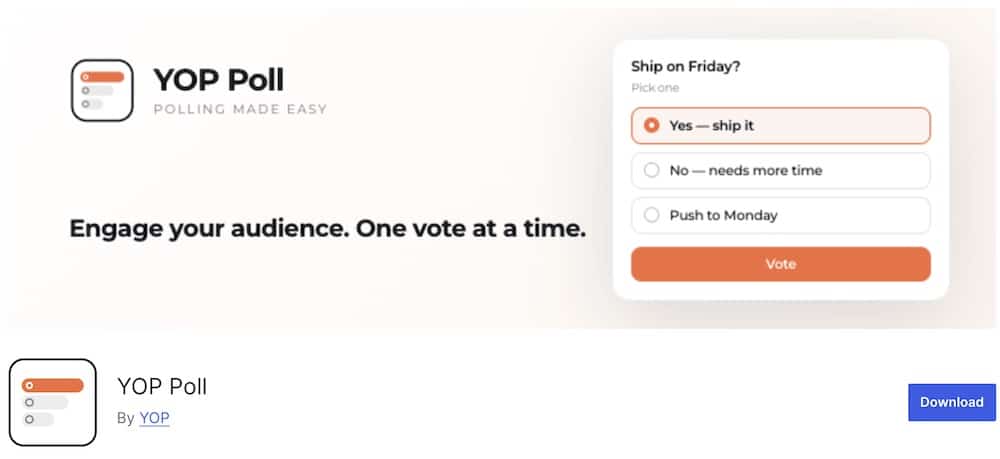
YOP Poll is the classic pick when you want proper polls without turning the setup into a marketing platform.
You can run unlimited polls, choose between single or multiple answers, schedule start and end dates, let visitors add their own “Other” response, and decide exactly when results appear.
Flexible.
The rebuilt version also has a much faster admin interface, real-time editing, cleaner poll management, and automatic migration for older YOP Poll users.
Vote control is strong as well.
You can allow guests, registered users, or both, then limit repeat voting by cookie, IP, or username.
There’s even Cloudflare Turnstile support for extra spam protection.
- Best for: Classic polls, audience questions, campaigns, and scheduled voting
- Includes: Unlimited polls, single/multiple choice, scheduling, custom voter fields, result controls, vote logs, poll archives, shortcodes, widgets, block support, exports, and anti-spam tools
- Why we like it: It gives you lots of control without losing the simple “ask a question and collect votes” workflow
- What I’d improve: It’s much more poll-focused than reaction-focused, so it’s not the best fit for simple likes or Reddit-style upvotes
- Active installs: 10,000+
3. WP-Polls
WP-Polls keeps things refreshingly straightforward.
Create a question, add the answers, choose whether visitors can pick one or several options, and publish.
Voting happens with Ajax, so results replace the form without reloading the page. Clean.
You can place polls with a block, shortcode, widget, or directly in your theme.
There’s also a Polls Archive block for showing previous polls and their results in one place.
The styling is flexible too. Poll markup uses editable templates, while result bars can be customized with CSS variables.
- Best for: Simple, traditional polls without extra fluff
- Includes: Single/multiple answers, Ajax voting, closing dates, Poll and Polls Archive blocks, shortcodes, widget support, editable templates, and theme integration
- Why we like it: It does the core polling job well and stays easy to understand
- What I’d improve: The interface and feature set are more old-school than newer poll builders
- Active installs: 40,000+
4. Poll Maker by AYS
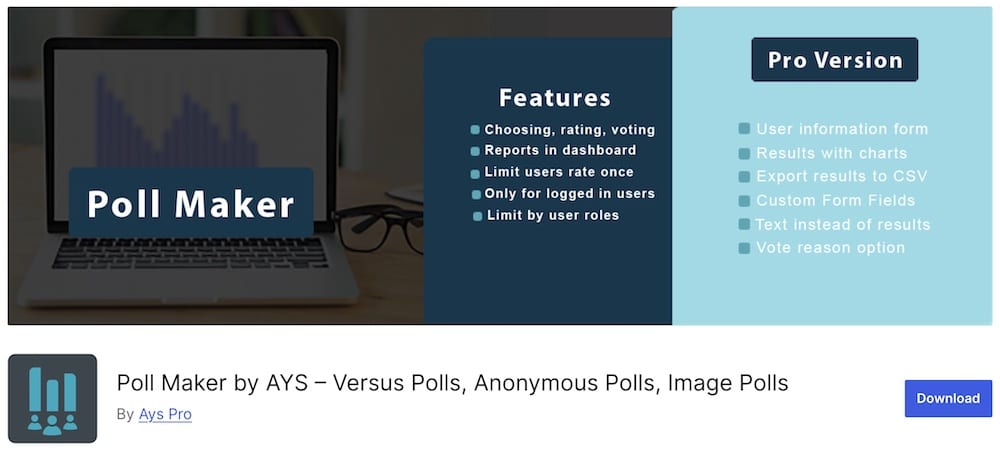
Poll Maker is for when a plain text poll just isn’t enough.
You can build choosing, rating, and voting polls in the free version, including like/dislike and emoji-style voting.
You can also add image, video, and audio content to the poll question, giving you more room to make things interesting.
Design control is another strong point.
You get ready-made templates, 30+ styling options, live preview, scheduling, result controls, social sharing, reports, and restrictions for logged-in users or specific user roles.
You can also limit repeat votes using IP, cookies, user IDs, or a mix of methods.
Handy.
- Best for: Visual polls, audience voting, rating polls, and interactive campaigns
- Free version includes: Choosing, rating and voting polls, unlimited polls and answers, scheduling, reports, social sharing, live preview, user-role restrictions, repeat-vote controls, styling options, and email notifications
- Pro adds: Versus polls, anonymous polls, multivote, custom fields, charts, CSV export, user-created polls, leaderboards, multilingual polls, integrations, and more
- Why we like it: It gives you several ways to make polls look and behave differently instead of forcing everything into the same template
- What I’d improve: Some of the most interesting formats, especially versus and anonymous polls, are locked behind Pro
5. LikeBtn

LikeBtn is a great fit when you want simple voting across more than just blog posts.
You can add like/dislike buttons to posts, pages, comments, WooCommerce products, BuddyPress activity, bbPress content, Ultimate Member profiles, and custom post types.
That makes it especially handy for community-heavy sites.
Customization is a big part of the appeal too.
There are 41 themes, 40 languages, 80+ settings, custom images, custom button text, alignment controls, and full CSS access.
You can also track voters by IP, device, cookie, or logged-in user. Plenty to tweak.
- Best for: Blogs, communities, forums, and stores that want likes/dislikes across different content types
- Includes: Like/dislike buttons, 41 themes, multilingual support, voter tracking, custom styling, WooCommerce, BuddyPress, bbPress, Ultimate Member, custom post types, and real-time reports
- Premium adds: Deeper statistics, most-liked content tools, email notifications, advanced widgets, and more reporting features
- Why we like it: It works almost anywhere and gives you far more styling control than most simple voting plugins
- What I’d improve: The setup depends on a LikeBtn.com account, and the free plan is more limited once the 7-day trial ends
- Active installs: 3,000+
6. bbPress Voting

bbPress Voting adds proper upvote and downvote controls to bbPress topics and replies.
Simple idea. Big difference.
Each topic or reply gets a score with up/down arrows, and votes are saved with Ajax, so nothing has to reload.
Visitors can vote only once per item, which helps keep the numbers a little more meaningful.
You can also disable voting on certain forums, hide voting on topics or replies, customize the labels, and sort discussions by vote score.
There’s even GamiPress integration if you want voting to feed into a points or reputation system.
Very forum-focused. And that’s the point.
- Best for: bbPress communities that want Reddit- or Stack Overflow-style voting
- Free version includes: Up/down votes, AJAX voting, vote scores, sorting by score, forum-specific controls, closed-topic scores, custom labels, and GamiPress integration
- Pro adds: Accepted answers, voter avatars, weighted-score sorting, trending-score sorting, trending topics widget, sort dropdowns, and historical score visualization
- Why we like it: It gives forum users a quick way to surface useful topics and replies
- What I’d improve: It’s built specifically around bbPress, so it won’t help much if your site uses a completely different community system
7. Contest Gallery

Contest Gallery is for when voting is the main event, not just a little button under a post.
You can create full contests around photos, videos, audio, documents, and other uploaded files, then let visitors vote, rate, comment, and share entries.
Users can even submit their own content from the frontend.
That makes it a strong fit for photo competitions, community challenges, design contests, fan voting, or any site where the audience helps pick the winner.
Voting controls are flexible too.
You can limit votes by IP, cookie, or logged-in user; set voting intervals; allow one-star favorites or average ratings; and decide exactly when the contest ends.
- Best for: Photo contests, media competitions, and user-submitted voting galleries
- Free version includes: Frontend uploads, voting, comments, galleries, registration/login, social sharing, vote restrictions, categories, winner management, multiple file types, and contest end controls
- Pro adds: Paid uploads, paid votes/comments, PDF uploads with previews, extra ecommerce options, and advanced workflows
- Why we like it: It handles the whole contest process instead of only adding a vote button
- What I’d improve: It’s overkill if all you need is a simple poll or like/dislike system
What To Look For In A WordPress Voting Plugin
A voting plugin can be incredibly simple.
Or weirdly complicated.
The right choice depends on what you actually want people to do.
Here’s what I’d check first:
- Voting type: Do you need polls, likes/dislikes, upvotes, star ratings, reactions, or full contests? Start there.
- Anonymous voting: Useful if you want more participation, but it usually needs stronger anti-abuse controls.
- Logged-in voting: Better for communities, memberships, and forums where each vote should be tied to a real user.
- Duplicate-vote protection: Look for IP, cookie, user ID, device, or account-based restrictions if vote accuracy matters.
- Scheduling: Handy for polls, campaigns, contests, and anything that should open or close automatically.
- Result controls: You may want to show results immediately, after someone votes, after the poll closes, or not at all.
- WooCommerce support: Useful for product likes, voting, rankings, or customer feedback.
- Forum and community integrations: Check support for bbPress, BuddyPress, Ultimate Member, or whatever platform your community uses.
- Frontend submissions: Essential for photo contests, user-generated competitions, and other voting setups built around visitor entries.
- Analytics: Vote totals are useful. Voter logs, engagement reports, popular content, and activity trends are even better.
- Design controls: Buttons, icons, colors, result bars, images, layouts, and spacing should match the rest of your site.
- Mobile usability: Voting should be effortless on a phone. Tiny buttons and cramped poll options are an instant turnoff.
- Spam protection: CAPTCHA, Cloudflare Turnstile, login requirements, and voting limits can help keep results cleaner.
- Ajax voting: Lets people vote without reloading the entire page. Small detail. Much nicer experience.
- Export options: CSV or other exports are useful if you need to analyze results outside WordPress.
Should You Allow Anonymous Voting?
Usually, yes.
Anonymous voting removes friction.
No registration, no login, no extra steps.
That can mean more votes.
It works especially well for:
- Quick polls
- Blog feedback
- Casual audience questions
- Product preference votes
- Simple contests
- Opinion-based voting
But there’s a tradeoff.
The easier it is to vote, the easier it is to abuse the system too.
Someone may vote several times, switch devices, clear cookies, or use a VPN to get around basic restrictions.
That’s why anonymous voting works best when the result is useful, but not critically important.
If you’re running a serious competition, giveaway, community ranking, or anything with prizes involved, I’d lean toward logged-in voting instead.
You can also meet somewhere in the middle.
Allow anonymous votes, but add:
- IP restrictions
- Cookie-based limits
- CAPTCHA or Cloudflare Turnstile
- Time-based voting limits
- Email verification
- Manual vote review
How To Prevent Duplicate & Fake Votes
- Limit votes by IP address: Useful for stopping repeated votes from the same connection, although shared networks and VPNs can make this imperfect.
- Use cookies: A simple way to remember that someone already voted. Easy to set up, but also easier to bypass.
- Require user accounts: Stronger than anonymous voting because every vote is tied to a logged-in user.
- Add CAPTCHA or Turnstile: Helps block bots and automated voting without adding too much friction.
- Set time-based limits: Allow one vote per hour, day, week, or another interval instead of unlimited voting.
- Use email verification: Helpful for competitions where you want a stronger identity check without forcing full account registration.
- Review voting logs: Sudden spikes, repeated IPs, or unusual patterns can reveal suspicious activity pretty quickly.
- Close voting automatically: Set a clear end date so nobody can keep manipulating results after the campaign ends.
- Moderate suspicious votes: For serious contests, keep the option to manually remove obviously fraudulent entries.
Can Voting Improve User Engagement?
Yes — when the vote is actually worth clicking.
Voting gives visitors an easy way to participate without asking them to write a comment, fill out a form, or create a whole post.
One click. Done.
It can help with:
- More interaction: Likes, polls, and upvotes give passive readers something quick to do.
- Better community involvement: Forum voting and reactions make users part of the conversation.
- Useful feedback: Poll results can reveal what your audience likes, wants, or disagrees with.
- Content discovery: Upvotes and likes can help surface popular posts, products, comments, or forum replies.
- Repeat visits: Contests and time-limited polls give people a reason to come back and check the results.
- User-generated content: Voting on photos, videos, or submissions can make community campaigns much more interactive.
But don’t add voting everywhere just because you can.
The best votes have a clear purpose and take almost no effort to understand.
Keep the question simple, make the voting button obvious, and show results when they add something useful.
Conclusion: Which WordPress Voting Plugin Should You Get?
For the most flexible all-round setup, WP ULike is my top pick. It works across posts, comments, products, BuddyPress, bbPress, and more, while also giving you useful engagement data.
If you want classic polls, YOP Poll is the stronger feature-rich choice.
Prefer something lighter?
Go with WP-Polls.
For more visual and interactive poll formats, Poll Maker by AYS gives you far more room to play with layouts, media, ratings, and versus-style voting.
If you mainly want likes and dislikes across different content types, LikeBtn fits nicely.
Running a bbPress community?
bbPress Voting is the obvious specialist pick.
And if you’re building a proper photo, video, or media contest, Contest Gallery makes much more sense than trying to force a basic poll plugin into the job.
My advice?
Choose the plugin around the type of vote first.
FAQs About WordPress Voting Plugins
What are WordPress voting plugins?
WordPress voting plugins enable website visitors to vote or rate content on your site. These plugins can be used for polls, user ratings, like/dislike systems, and other interactive voting mechanisms.
Can I integrate voting plugins with custom post types?
Many WordPress voting plugins offer the flexibility to integrate with custom post types. This means you can enable voting on different types of content, such as blog posts, products, portfolio items, or other custom post types.
Do these plugins offer different voting styles & layouts?
Yes, WordPress voting plugins typically offer a variety of voting styles and layouts. This includes star ratings, thumbs up/down, smiley faces, and numerical scoring. The appearance and layout can often be customized to match the look and feel of your website.
Are WordPress voting plugins responsive & mobile-friendly?
Most modern WordPress voting plugins are designed to be responsive and mobile-friendly. This ensures that the voting features work seamlessly across various devices, including smartphones and tablets, providing a consistent user experience.
Can I view & analyze voting results with these plugins?
Many voting plugins for WordPress come with built-in analytics and reporting features. You can view detailed results of the votes, such as total counts, average ratings, and user feedback. This data can be valuable for understanding audience preferences and improving your content or products.
Are there WordPress plugins that prevent duplicate votes?
Yes, many plugins come with IP tracking or require user logins to ensure each user can only vote once, reducing duplicate or fraudulent voting.
Can I create upvote/downvote systems like Reddit?
Yes, plugins like WP ULike and Vote Up/Down offer Reddit-style upvoting and downvoting for posts and comments.
::
Note: This article was originally published on March 17, 2022. But our team regularly reviews it and updates it with necessary improvements for accuracy.