

It didn’t take us long to realize the power of high-quality, reliable and easy-to-use fast food WordPress themes.
We witnessed a lot of success with our client’s websites (locally & globally). So it’s about time to share our top picks with you.
We fixed our selections with one main thing in mind: Do they cover everything?
Yes, they do!

This post covers:
- What we looked for in fast food WP themes
- Best fast food WordPress themes
- FAQs about fast food WordPress themes
What We Looked For In Fast Food WP Themes
- Beautiful design
- Online food ordering (WooCommerce)
- (Tasty) Food menu (w/ beautiful images)
- Events promotion
- Social media integration
- Mobile-use
And HEAPS more.
Plus, restaurants, food delivery and pizzerias can profit from them, too.
We also tested each WP theme to find how lightweight it is, how user-friendly the interface is, does it have the features mentioned in the description, and more.
Oh. So. Versatile.
Water everyone’s mouth and boost your fast food business through the roof. (Yes, you will!)
THE ULTIMATE:
- Our Best Overall Fast Food & Deliver Theme: Gloreya
Best Fast Food WordPress Themes
1. Gloreya
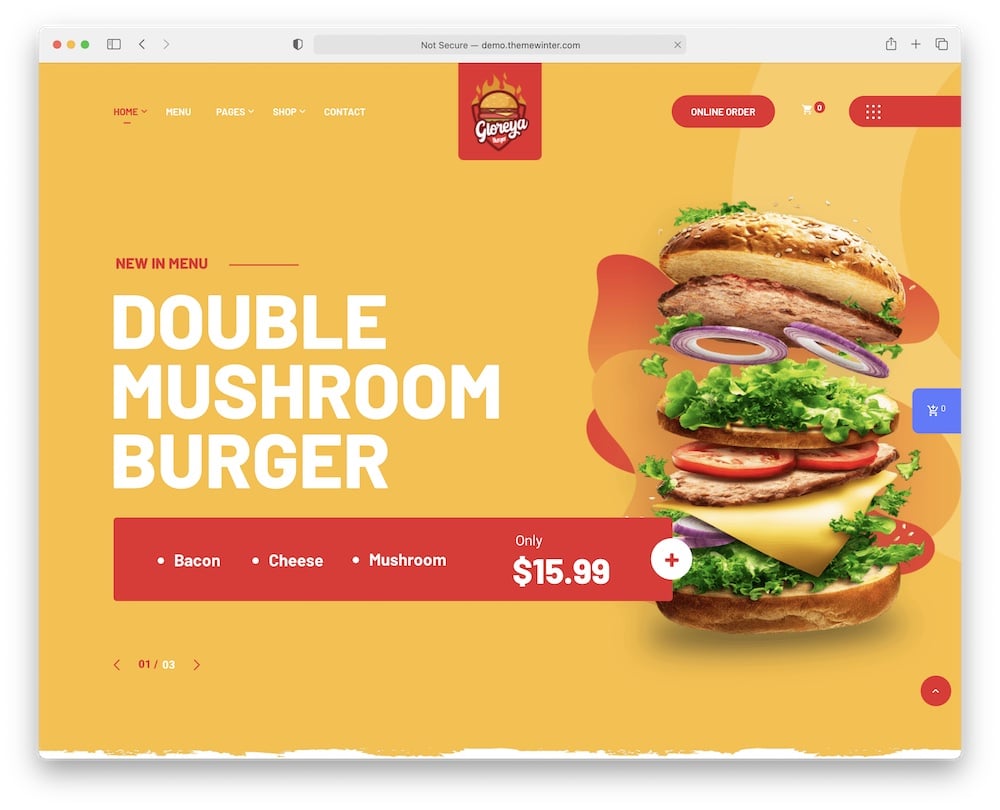
You visitors will find beautiful dish presentations no matter what they’re craving when you use Gloreya.
Gloreya offers three stunning homepage, various inner layouts, and useful elements.
FAST to set up and SIMPLE to use.
You can start shaping your WooCommerce fast food business with the one-click import method. Whoopee.
You’ll find five of my favorite features below.
Gloreya includes everything you need to showcase your products and communicate with the customers in the best way possible.
HIGH. VALUE.
Of course, Gloreya is fully documented and user-friendly. Too good to miss.
Got Gloreya? You’re in luck.
Gloreya theme features:
- 1,100+ sales
- 4.6+ star ratings
- Easy online food ordering
- Newsletter subscription (MailChimp)
- Price: $39 (may vary)
2. Pizzaro
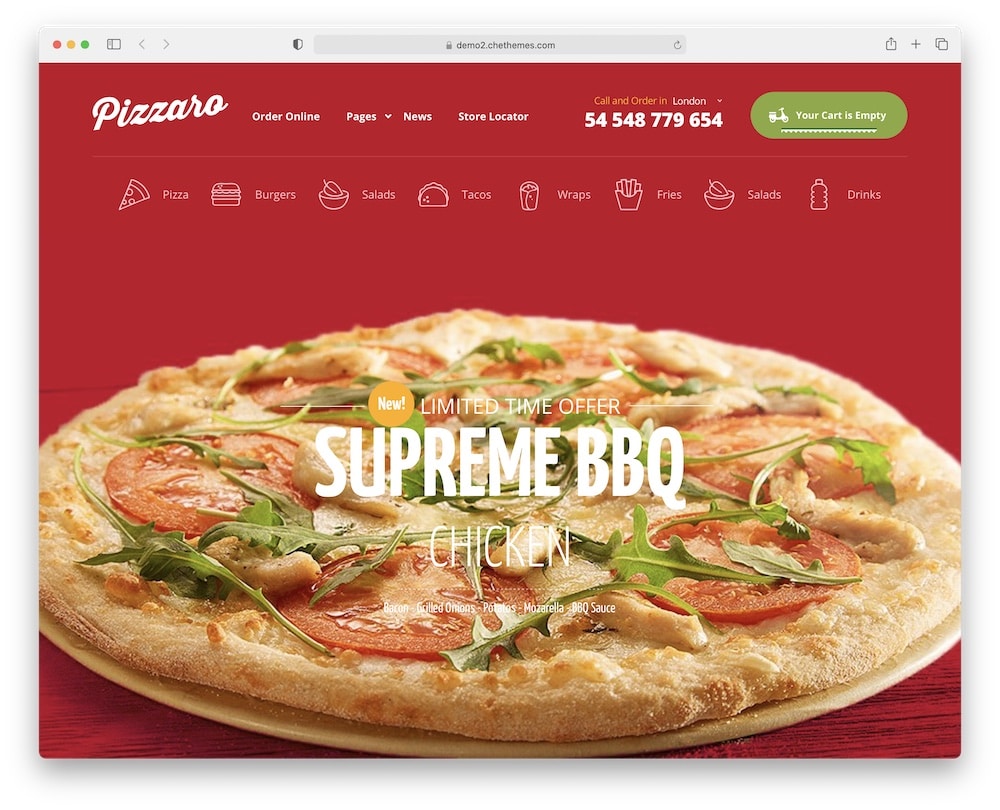
Want a website that serves you with your online orders? You can never go wrong with Pizzaro fast food WordPress theme.
Pizzaro is based on half-year research to meet your clients’ needs.
Developers took care of all the small design details, numerous pre-made templates, and engaging options for better online performance.
Not to mention, Pizzaro includes the most popular plugins such as Elementor page builder, Slider Revolution, and WooCommerce.
SO MANY great attributes in one theme!
Best of all, you can try Pizzaro before purchasing! Wait, what? Yes, you can get free setup on a trial website just for you.
ZERO. RISK.
Pizzaro theme features:
- 2,400+ sales
- 4.4+ star ratings
- Mobile-ready mega menu
- Quick install (but you may also be interested in our how to install a WP theme guide)
- Price: $59 (may vary)
3. Fast Food
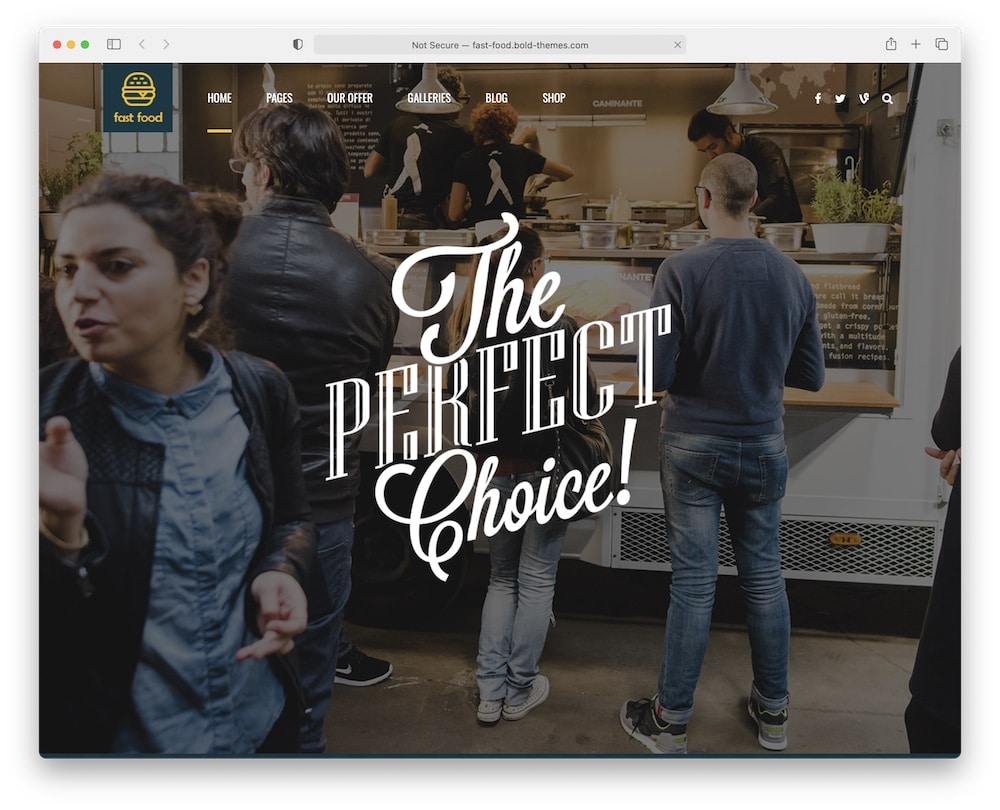
Pssst! Fast Food is a unique and fully responsive WordPress theme ready to customize and apply to all your needs.
I am sure you will love it as much as I do!
You can easily add widgets, change colors, pick various Google fonts, use dark or light headers, organize the menu, and include custom icons with Fast food.
You can do anything you want.
Besides, Fast Food offers the best solution for a fast start with easy import.
You can install a demo with one click and get your website ready in minutes.
SO helpful. SO flexible.
Of course, free updates and free customer support are included in Fast Food.
Fast Food theme features:
- 1,200+ sales
- 4.8+ star ratings
- Multi-concept demos
- Reservations & booking
- Price: $69 (may vary)
4. Piizalian
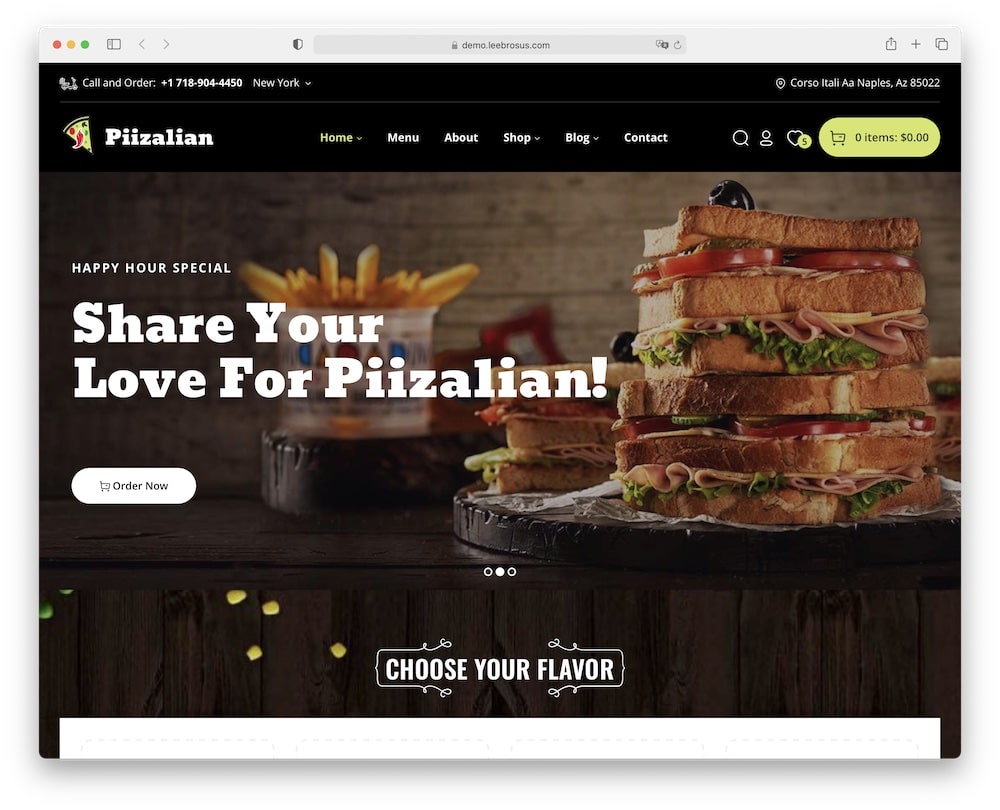
Piizalian is the WordPress theme if you have an abundance of ideas and amazing fast food recipes.
You will stand out from the fast food crowd with Piizalian!
Piizalian is a slick and well-organized theme that comes with five ready-to-use demos.
Choose the one you like and start building stress-free.
On top of that, Piizalian integrates WooCommerce plugin.
Experience the functionality and comfort of this amazing tool and upgrade your business with your online store/food ordering.
Control every aspect of your new website from one place. Heck yes!
And bring out the best of you and your fast food business with Piizalian.
Piizalian theme features:
- 360+ sales
- 4.3+ star ratings
- Easy WooCommerce food ordering
- Helpful filtering
- Price: $58 (may vary)
5. Poco
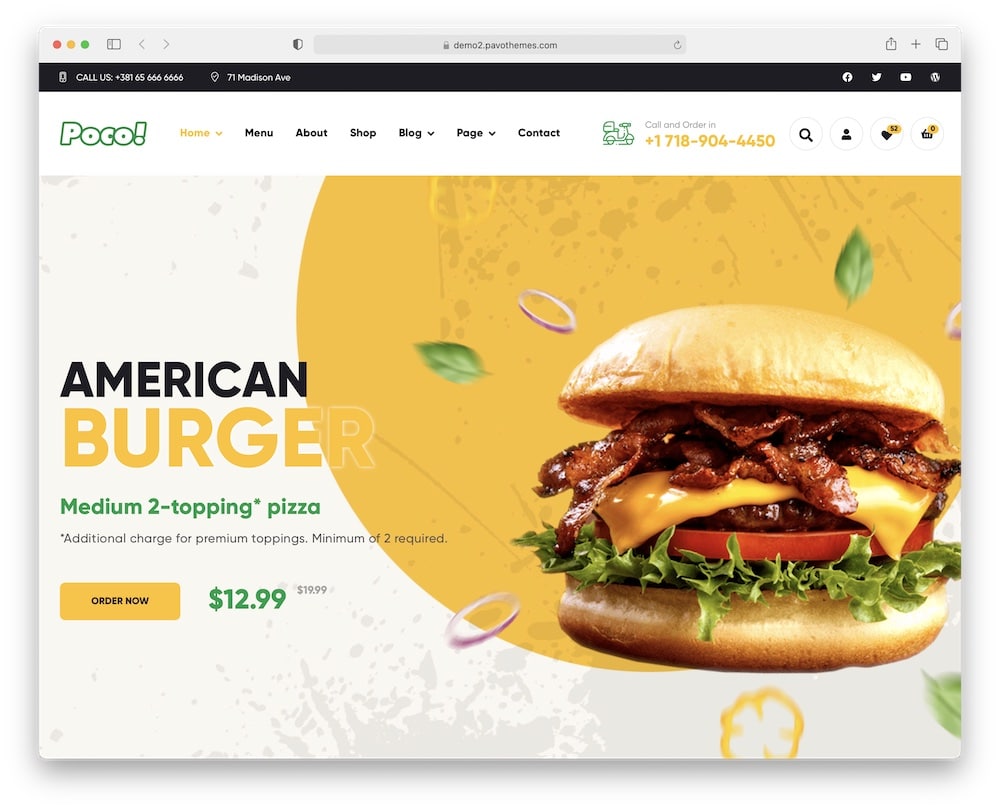
It’s impossible for me to decide what I love most about Poco fast food WordPress theme.
This theme is so fresh and modern, compatible with the most useful WP restaurant plugins, can be easily linked to social media, and offers endless design possibilities.
YOU REALLY CAN’T go wrong with Poco.
Choose one of the pre-made index pages if you don’t want to start from scratch.
Don’t worry, though – no coding knowledge is required to work with Poco.
Moreover, Poco is SEO-friendly and loads super fast. Cheers to high performance!
Use your time wisely and pick the all-in-one Poco.
Ready. Set. Action.
Poco theme features:
- 1,600+ sales
- 4.5+ star ratings
- Monthly (free) updates
- Dark mode
- Price: $59 (may vary)
6. Don Peppe
Warm people, good food, and reliable service? Life doesn’t get much better than that.
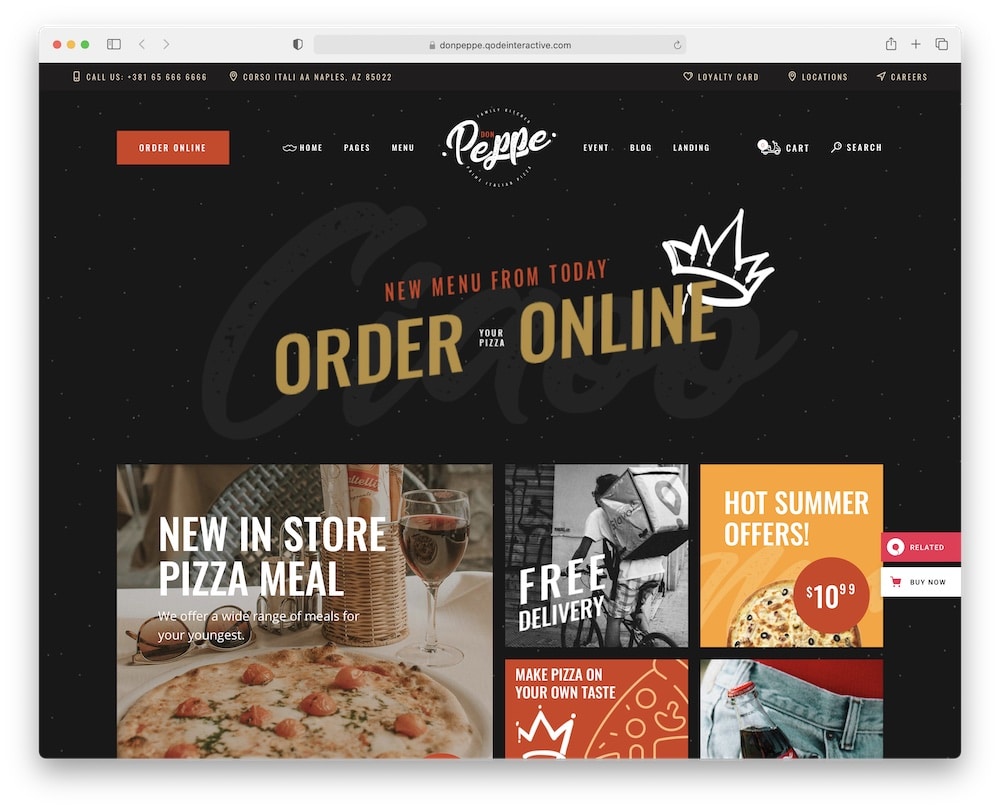
Don Peppe fast food WordPress theme has everything an online fast food business needs.
It even includes a fantastic set of menu templates (modern & practical).
Don Peppe offers a wide range of pre-made templates, layouts, and useful WP shortcodes apart from the flexible elements.
Select what you like and start building immediately.
You can even “spice up” your website with a fast-food blog. YUM!
Moreover, you can translate Don Peppe into multiple languages (within your favorite WordPress translation plugin). Localize your website to increase your sales.
OUTSTANDING!
Don Peppe theme features:
- 640+ sales
- 5-star ratings
- Restaurant-specific samples
- Easy-to-use shortcodes
- Price: $79 (may vary)
7. Gastrobar
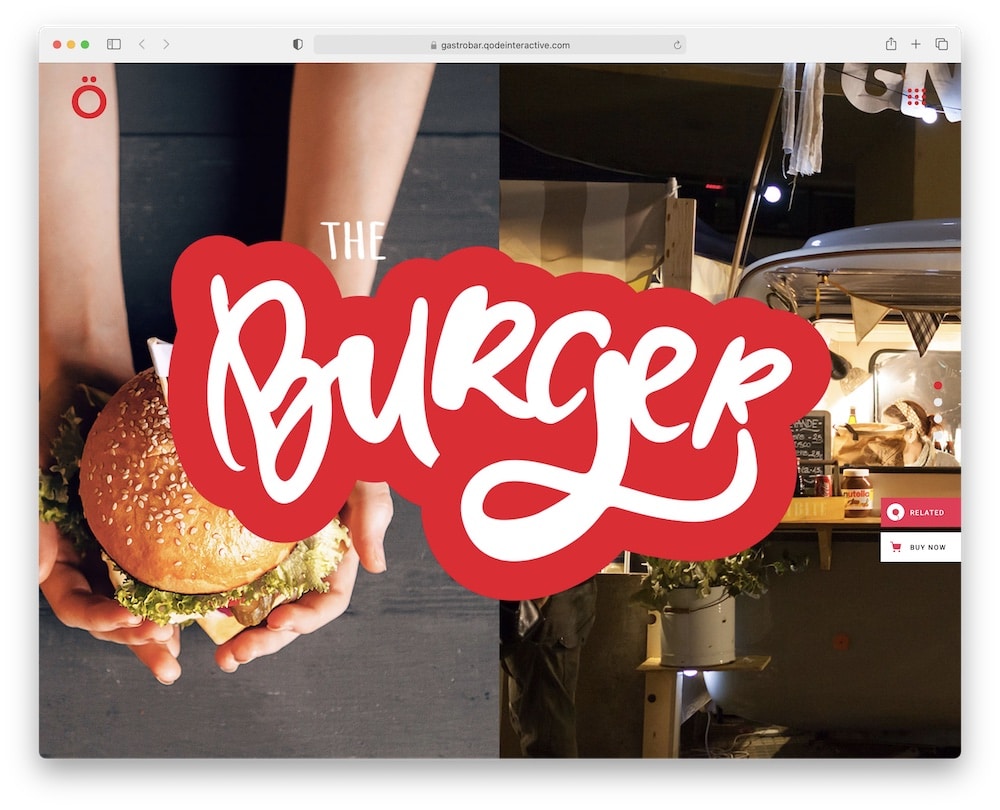
Show off your amazing pizzeria with Gastrobar. This fantastic theme is stuffed with a VAST collection of pre-made homepages.
Modern to look at and easy to use.
Stunning plugins blend into the design of Gastrobar unnoticeably.
And yet they offer the best experience for your visitors and customers.
Effortless online reservations, quick orders, pricing – it’s all possible.
You can reach a wider audience due to Gastrobar’s online portfolio.
Showcase your creative cooking style, highlight your experiences, and dish skills.
Yeah, it’s pretty cool!
Show the world what’s COOKING with Gastrobar.
Gastrobar theme features:
- 810+ sales
- 4.3+ star ratings
- WordPress page builders compatible
- Smooth scrolling, animations
- Price: $85 (may vary)
8. Grill and Chow
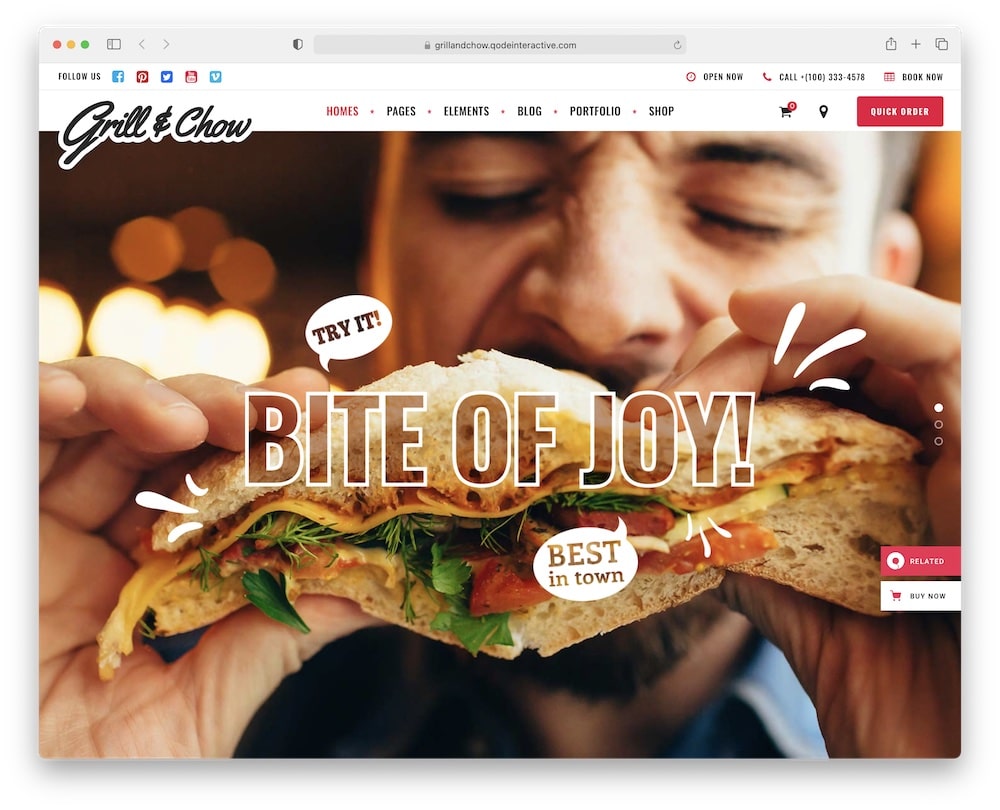
On a hard day at work, there’s nothing more refreshing than a fast-food delivery to your door.
The Grill and Chow fast food WordPress theme is beautifully designed and packed with the best ready-to-use templates.
Grill and Chow is highly customizable and simple to use. You can change colors, fonts, widgets, add layouts, skins and posts without any coding knowledge.
Plus a ton more!
Are you in seventh heaven already?
You can also create a cool portfolio and a brilliant blog with engaging food ideas and tips. Add a little SPARKLE to your site!
Well, Reach your goals with the superb Grill and Chow.
Grill and Chow theme features:
- 730+ sales
- 4.6+ star ratings
- Instagram & Twitter feeds
- Testimonials/feedback
- Price: $85 (may vary)
9. Foodo
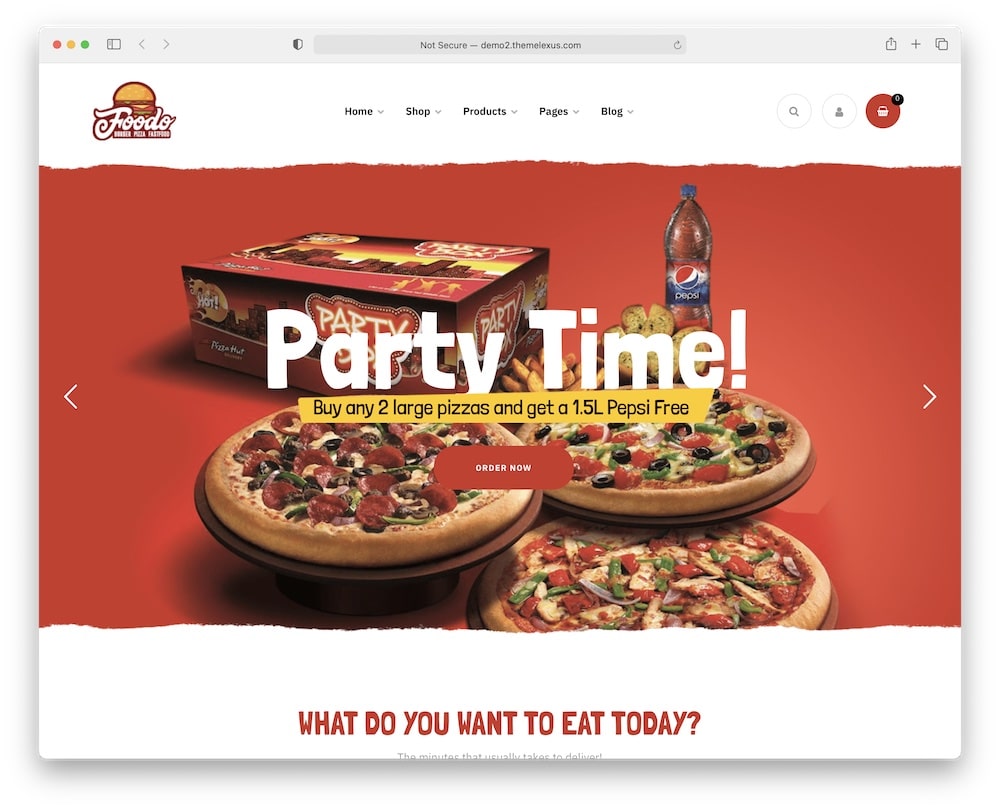
If you’re a fan of classic fast-food websites, this section is the one for you.
Foodo is a responsive and eye-catching theme that ensures a smooth user experience for all your visitors.
Exactly what you were looking for. (We favor great UX, too!)
You can create and rearrange your new site with a simple drag and drop solution. HURRAY for Elementor.
Just imagine how much money you will save on expensive designers and developers! (NO NEED for them.)
Moreover, your customers can place and pay for fast food orders and track it with a special ID and email via the integrated booking system.
FREE. MAGIC.
I know the powerful Foodo performance will make your audience smile while viewing your site.
What’s more? Hint: A lot of online orders.
Foodo theme features:
- 640+ sales
- 4.8+ star ratings
- Preview actual websites
- Easy WP food blog creation
- Price: $59 (may vary)
10. Pizza Restaurant
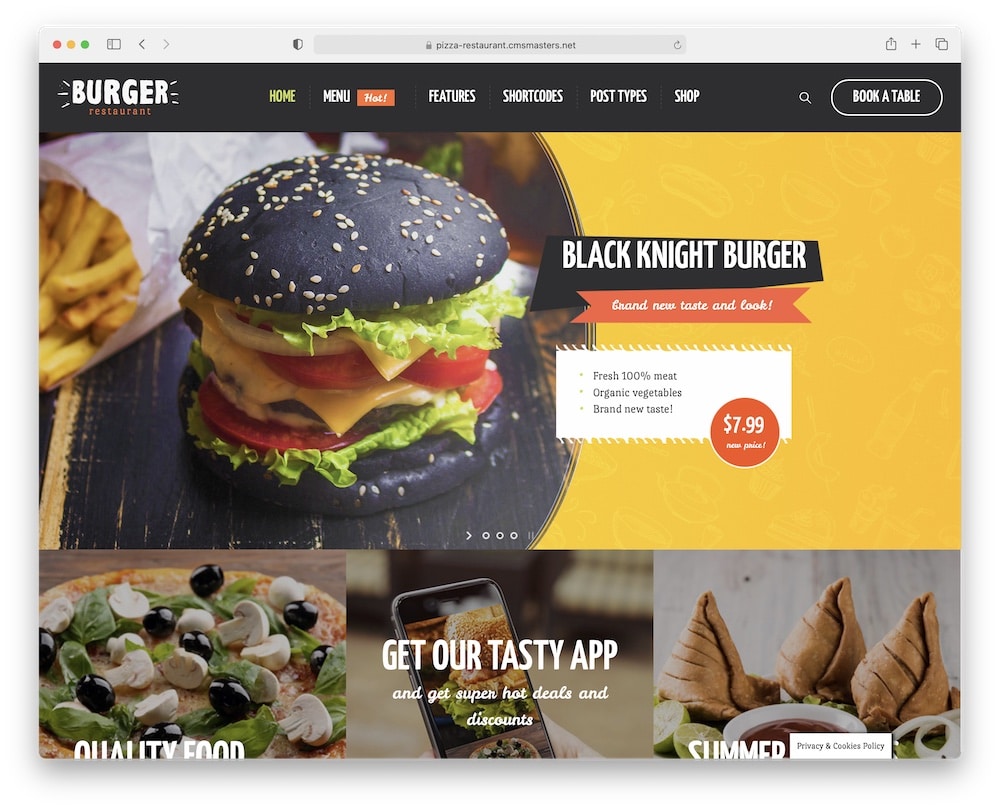
When I was growing up, classic pizza restaurants were the best.
And Pizza Restaurant fast food WordPress theme brings you back to good old fast food days with a MODERN touch and FRESH design.
Pick your favorite pre-made demo and you are ready to rock-n-roll.
You can easily create an online shop, offer table reservations, collect orders, and deliver food directly to customers’ homes.
BRING. PEOPLE. AND. FOOD. TOGETHER.
Besides, you have all the power in your own hands with the best plugins included.
Customize and design your site exactly as you wish (you are the king).
Flexible Pizza Restarant simplifies your business!
Pizza Restaurant theme features:
- 600+ sales
- 4.2+ star ratings
- Possible refund
- Compatibility with enabling RTL languages in WP
- Price: $59 (may vary)
11. Eatsy
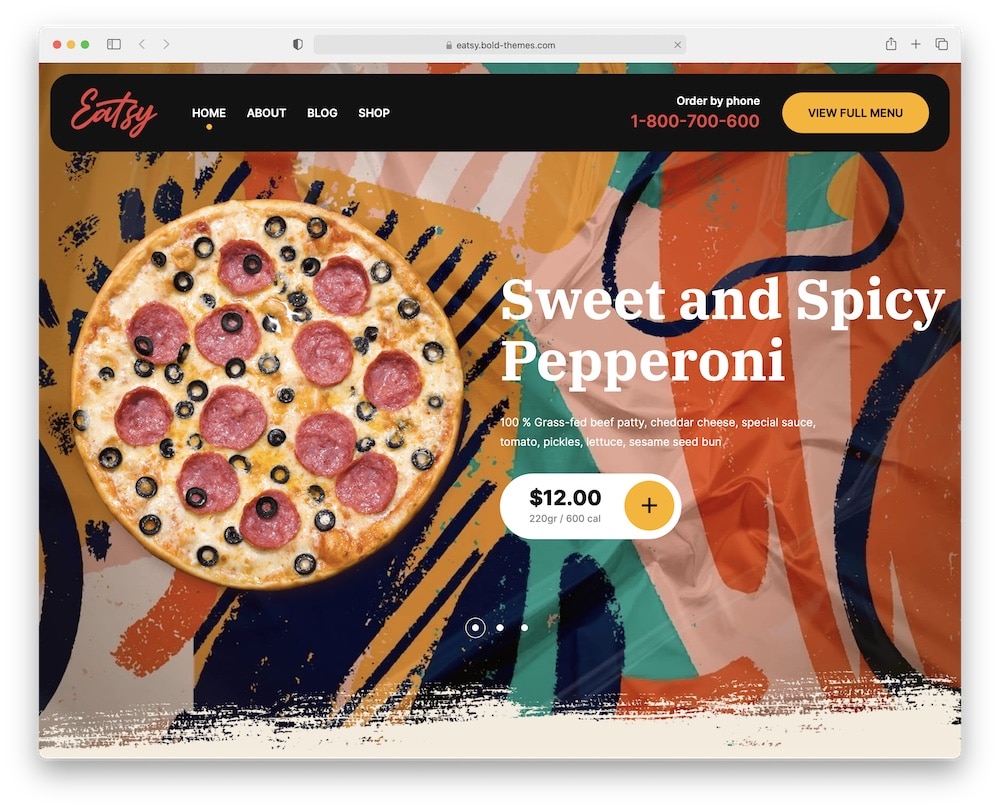
My question (that’s always nagging me) is, what can Eatsy fast food WordPress theme offer?
Let’s see…
You get six distinctive homepages, carefully designed with smart details.
Simple to import (one-click) and voilà, you can start building a fully-featured fast food website. (You can check the link if you’d like to get an in-depth overview of what this type of websites need to have.)
Cheers to that!
Keep in mind, Eatsy is fully customizable. You can immediately start changing the appearance of the demo with your ideas and content. Tons of options!
Pay only if satisfied is the statement of Eatsy (money-back guarantee offered). You have nothing to lose but a lot to gain.
Try Eatsy, today. (So good.)
Eatsy theme features:
- 430+ sales
- 4.4+ star ratings
- One-page layout (optional)
- Money-back guarantee (a rarity!)
- Price: $69 (may vary)
12. Burgos
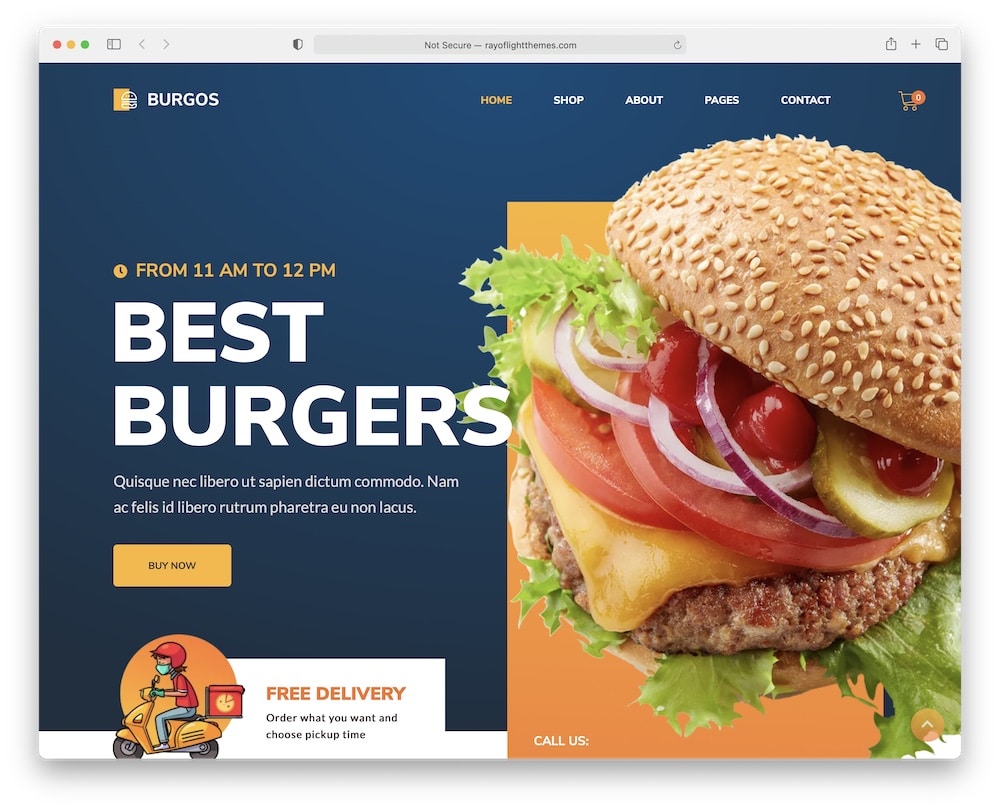
If this is your first time learning how to make a website, you won’t believe how easy it is! You only need quality pre-made templates and a few amazing tools.
And that is exactly what Burgos fast food WordPress theme offers.
Jump of joy!
You can create your online food store and ordering in minutes with minimal fuss due to a powerful WooCommerce plugin.
Secure payments, processed orders, configurated shipping options, and more – FOR FREE.
Even pre-made blog pages are included in Burgos. You can tailor your fast food stories into successful marketing with a blog. (Imagination.)
Your business, your way – with Burgos.
Burgos theme features:
- 70+ sales
- 4.4+ star ratings
- Google Maps for delivery zone
- Functional contact form
- Price: $44 (may vary)
13. Foodmood
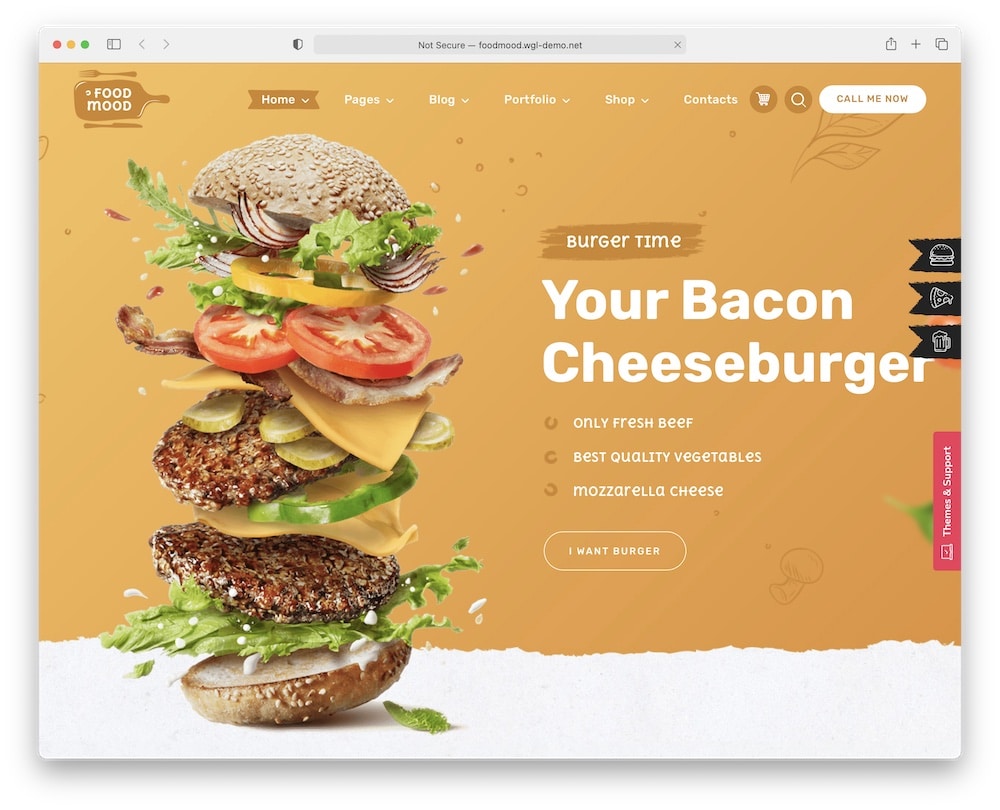
An amazing website does not have to be complicated. Want proof? Just try the modern and responsive Foodmood fast food and online ordering WordPress theme.
It is a breeze making a beautiful and functional site, due to well-designed inner pages, various layouts, and tons of the best elements.
YAY!
You get also a child theme to take things to the extremes.
If you’re asking, “What the heck is this child thing?”, don’t worry, it’s way simpler than you think.
A child theme allows you to change small details of your site yet preserve your theme’s look and functionality.
SAFEST and EASIEST way of modification.
No previous experiences? No problem. To create with Foodmood you need just lots of imagination and a smart business perspective.
Foodmood theme features:
- 500+ sales
- 4.6+ star ratings
- Monthly updates
- Burgers, pizza, beer & more
- Price: $69 (may vary)
FAQs About Fast Food WordPress Themes
What features should a fast food WordPress theme include?
Look for online ordering systems, menu showcases, food delivery integrations, fast loading speeds, and mobile-friendly designs. Also, aim at clean design so online ordering and checking will be smoother.
How do fast food themes handle online menu displays & updates?
Fast food WP themes offer dynamic menu management systems, allowing for easy updates and displays of menu items. These systems support categories, featured items, and pricing options, ensuring that customers can easily browse the latest offerings and specials.
Can customers place orders directly through these WordPress themes?
Yes, many fast food themes integrate with WooCommerce or other eCommerce solutions to facilitate direct online ordering. Features often include shopping carts, customizable product options (like size or add-ons), and secure checkout processes for a seamless ordering experience.
Are fast food themes optimized for mobile ordering?
Yes, fast food WordPress themes are designed with a mobile-first approach, ensuring that menus, ordering functions, and payment processes work smoothly on smartphones and tablets.
Do these themes support location-based features for multiple outlets?
Many fast food themes include location-based features, allowing businesses with multiple outlets to showcase their locations with maps, address listings, and individual menus.
How customizable are fast food themes for branding purposes?
Fast food WordPress themes offer extensive customization options, including logo uploads, color scheme adjustments, and font selections, allowing businesses to align the website’s appearance with their branding.
::
Note: This article was originally published on January 18, 2022. But our team regularly reviews it and updates it with necessary improvements for accuracy.